

Appearance
Google reCAPTCHA Integration
Fluent Support allows users to integrate with Google ReCaptcha to protect their websites from spam. This article will guide you through integrating Google ReCapcha with Fluent Support.
Accessing Google ReCapcha Console
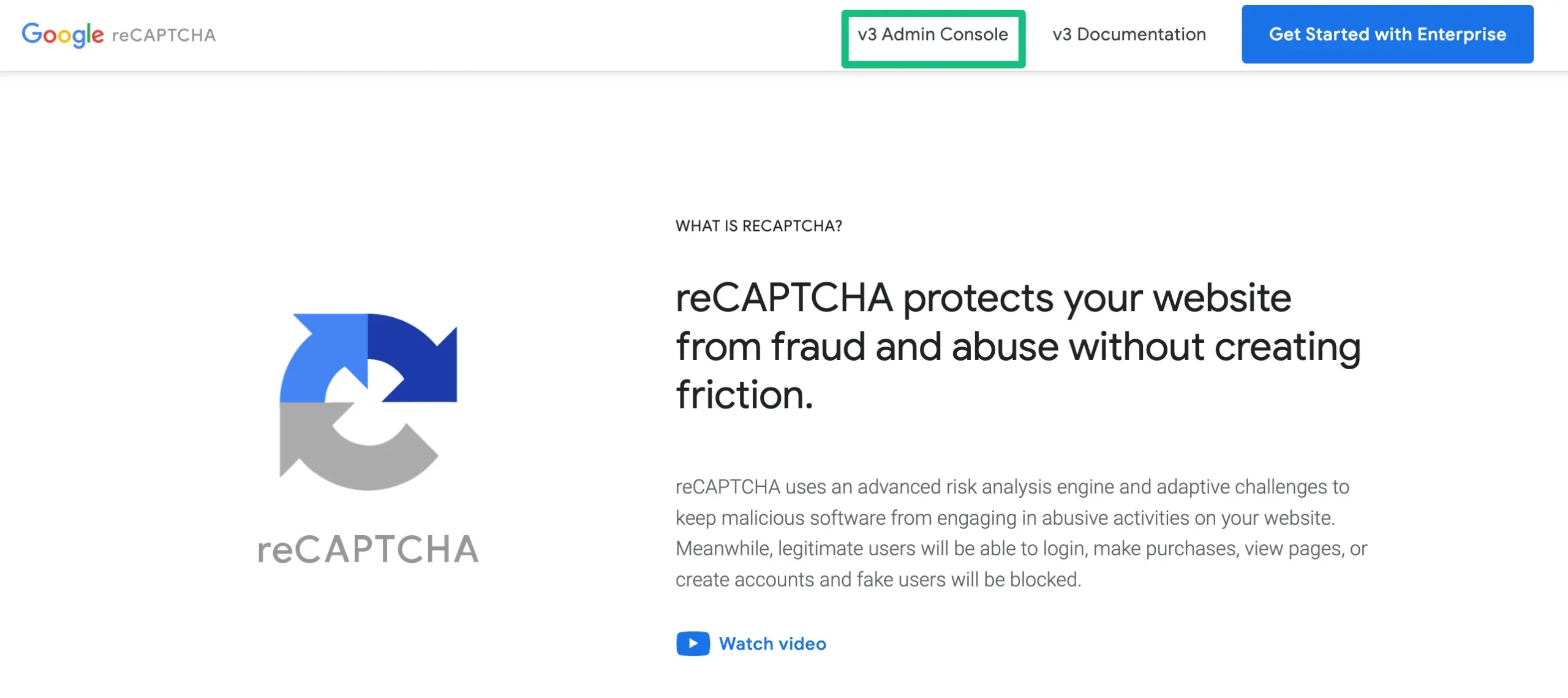
Visit the Google reCAPCHA website and click on the v3 Admin Console. It will take you to the “Register a new site” page where you can choose how to add reCaptcha to your website.
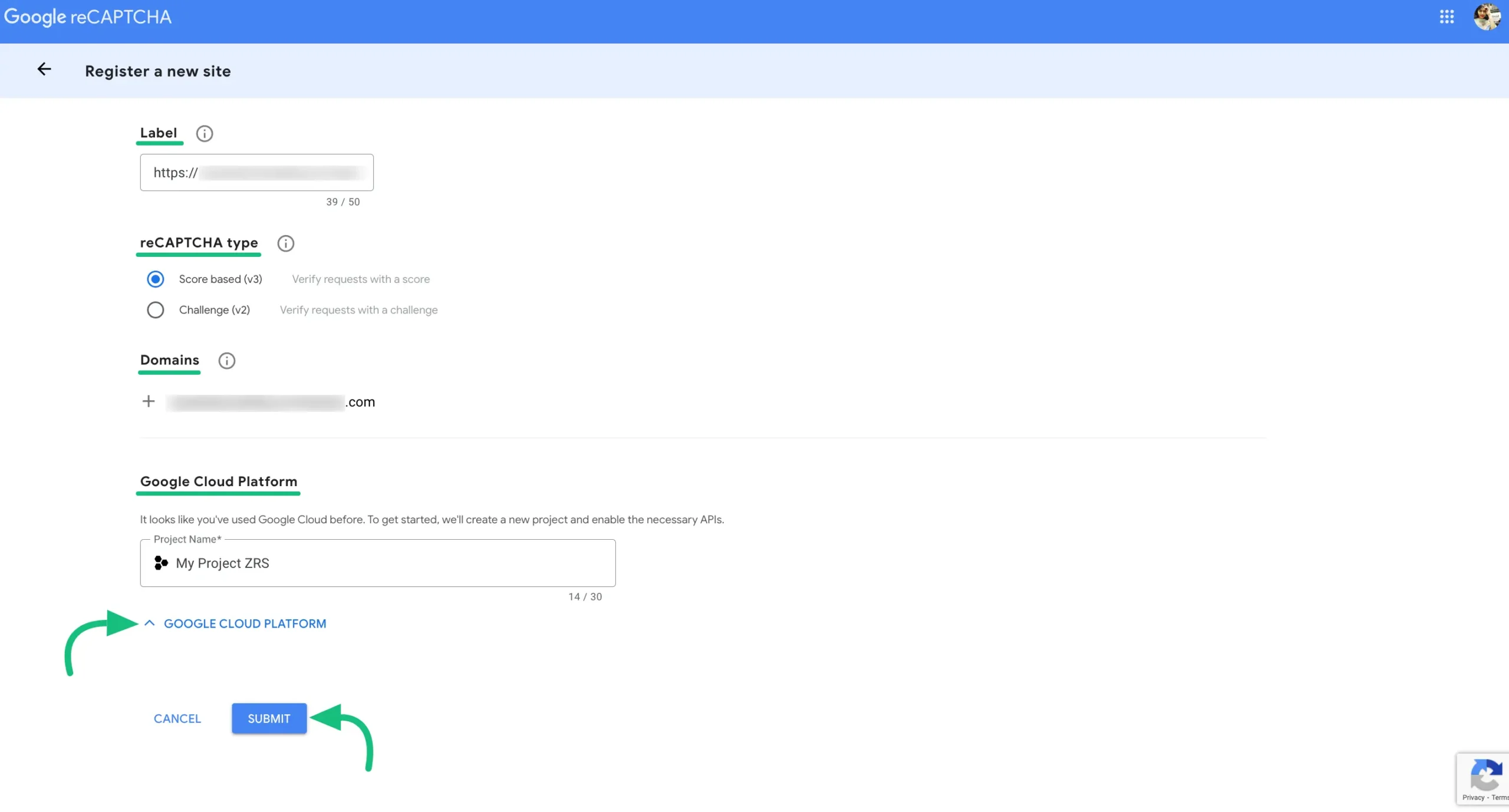
First, add your Label & Domain name, select the Score-based (v3) or Challenge (v2) version, set Google Cloud Project (optional), and finally click the Submit button.
- Label : Use your Site URL that will make it easy to identify the site in the future.
- Domains: Avoid using “https://” or “/” in your domain name as it won’t work, but you are free to use .com if needed.
- Google Cloud Platform : You can also choose a Google Cloud Project where you want to create this reCAPTCHA.
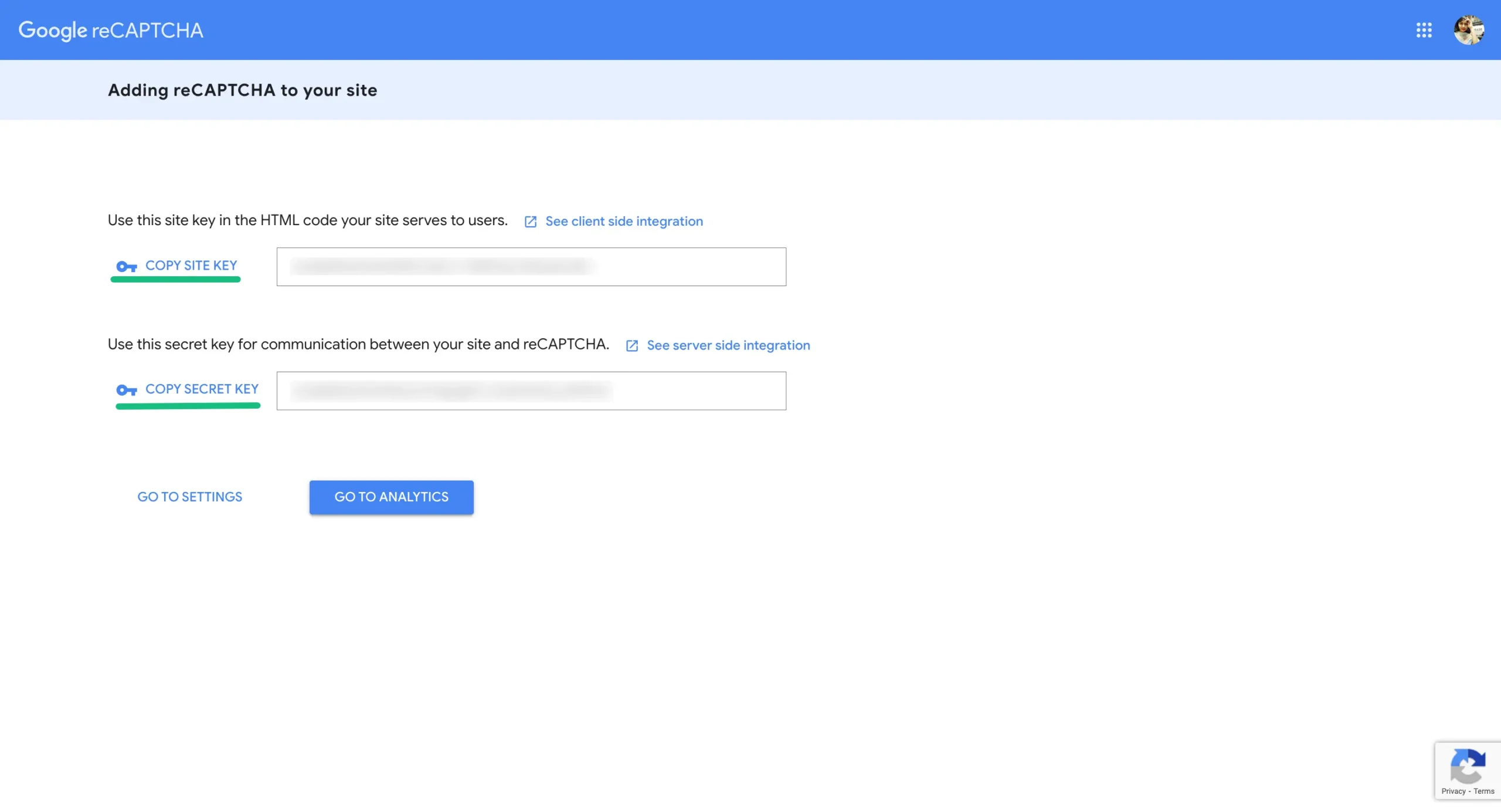
Now you will get a Copy Site Key and a Copy Secret Key. Copy these keys to use later for integration.
Configure reCAPCHA into Fluent Support
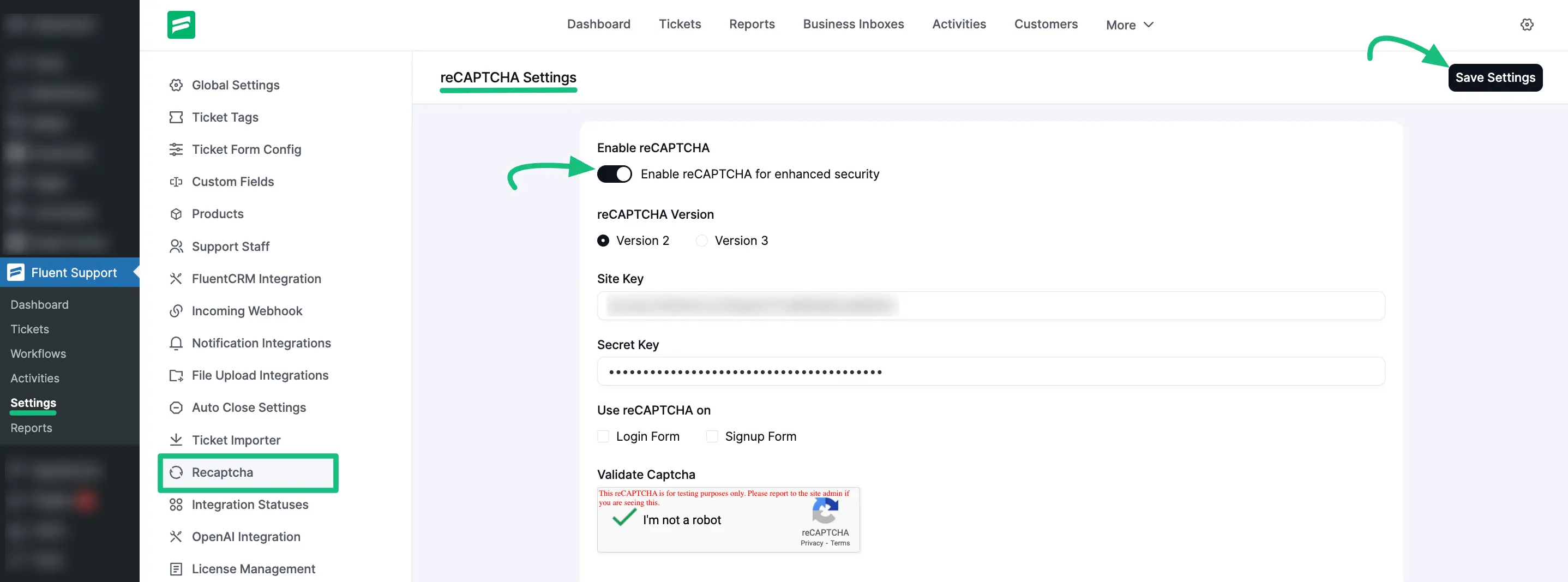
Now, go to Settings from your Fluent Support Dashboard, click on Recaptcha from the left menu. Enable the reCAPTCHA integration by toggling the Enable reCAPTCHA switch.
Once enabled, you will need to configure the following settings:
- reCAPTCHA Version: Select either Version 2 or Version 3 depending on the keys you generated from Google.
- Site Key: Paste the Site Key you obtained from the Google reCAPTCHA admin console.
- Secret Key: Paste the Secret Key you obtained from the Google reCAPTCHA admin console.
- Use reCAPTCHA on: Choose where you want the reCAPTCHA challenge to appear by checking the boxes for Login Form and/or Signup Form.
After entering your keys, you can verify if the integration works correctly by checking the Validate Captcha section at the bottom. It should display the "I'm not a robot" checkbox or badge.
Finally, click on the Save Settings button in the top right corner to apply your changes.
This is how you can integrate your Fluent support with reCAPCHA!